











SuperLinux AI Mimic Trade Copier
$0 Free SuperLinux AI Mimic Trade Copier Application (Cloudbased)
included in your SuperAreas membership
Areas Only and/or Full Software Suite and/or Lease Software Option
Active SuperAreas = SuperLinux AI Mimic Trade Copier included
Note
Current SuperLinux AI Mimic Trade Copier only supports the Tradovate option. Rithmic and other protocols will be added soon!
Two mimic modes
Copy trade into Self Controlled Mimic Mode
You are the signal sender. Copy trade into Self Controlled Mimic Mode copies your own trades to the accounts you choose.
Disclaimer: Keep an eye on your trades. We assume no responsibility on this free copier. This is cloud hosted, so there could be latency issues. Trade with care!
AI Agentic Algo Mimic Mode
You can get this from AI Strategies. The AI agent is the source. Your accounts follow the agent you check.
Disclaimer: An AI agent can be wrong and can make mistakes. By using AI Agentic Algo Mimic Mode you agree to the SuperAreas.com terms of service. AI agents are human moderated, but you still know your risk. SuperAreas.com is not responsible!
How SuperMimic works
SuperLinux AI Mimic Trade Copier has two options: Self Controlled Mimic Mode (you are the signal sender to your accounts) and AI Agentic Algo Mimic Mode (you can get this from AI Strategies). SuperMimic is the copier inside the SuperLinux AI Mimic Trade Copier cloudbased application. It does not open a brokerage account for you. You connect accounts you already control, then you choose the mode and the source those accounts follow.
- Leave a box unchecked and that account does not follow that signal.
- Accounts on one broker stay together.
- The same instrument adds or removes one lot on the accounts you checked for it.
- A different instrument flattens every open position on that broker first, then goes only to the accounts checked for it.
- Another broker is separate.
- If that signal is already open, the account waits until it is flat, then takes the next one.
You are mimicking the algo on your own book. You can uncheck an agent at any time.
How SuperAI Agent Signal works
Each named agent watches one market. When that algo sends a signal, SuperAI Agent on your SuperLinux AI Mimic Trade Copier Application receives it. Only the accounts you checked for that agent mimic it.
The signal is a suggestion from software. It is not an order from a person, and it is not a guarantee. You still choose the account, the agent, and whether that account is allowed to follow.
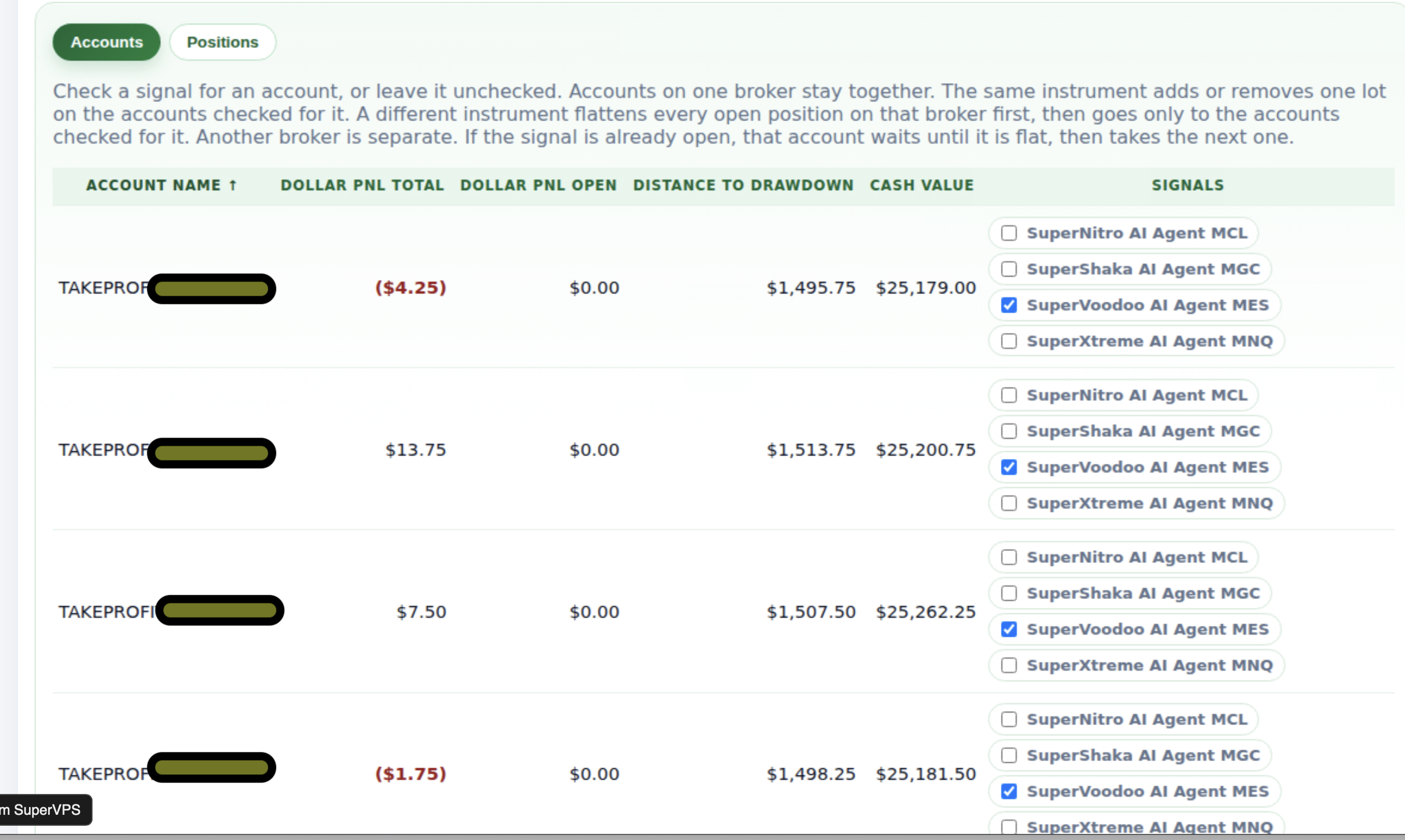
Check the agent you want. Leave the others off.
Free SuperLinux AI Mimic Trade Copier Application included with membership
Each member gets one SuperLinux server at no extra charge. It is included so SuperAI Agent has a computer of its own, separate from the laptop you trade on.
Open SuperLinux AI Mimic in your member menu, pick a region, and launch. The page then shows the address, username, and password for that server. You remain responsible for lawful use. Kill on that page sends a termination request for review. It does not instantly destroy the server.
How you mimic the AI algo on your own accounts
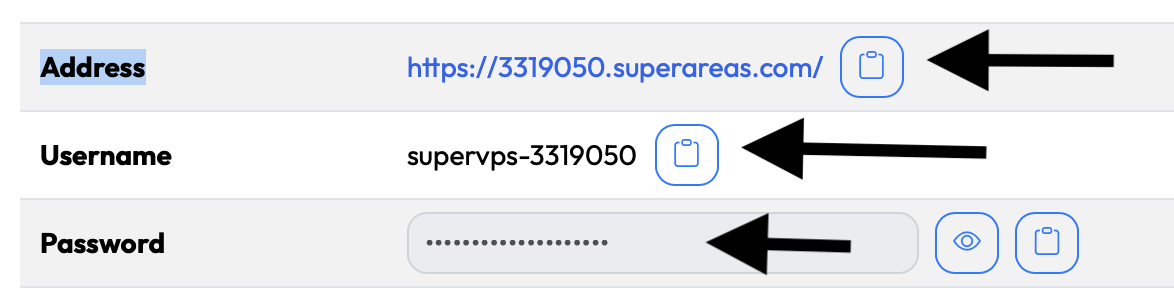
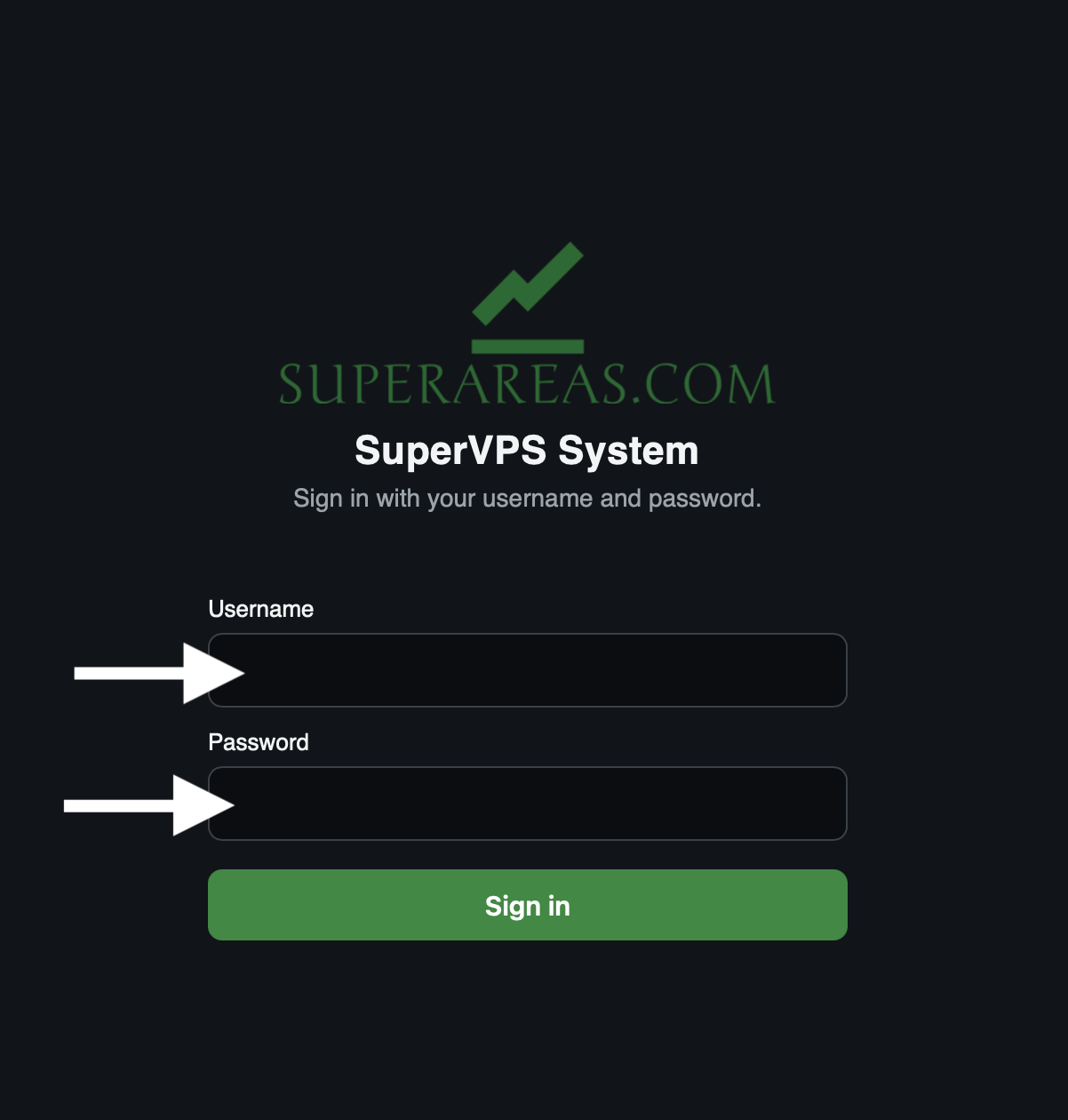
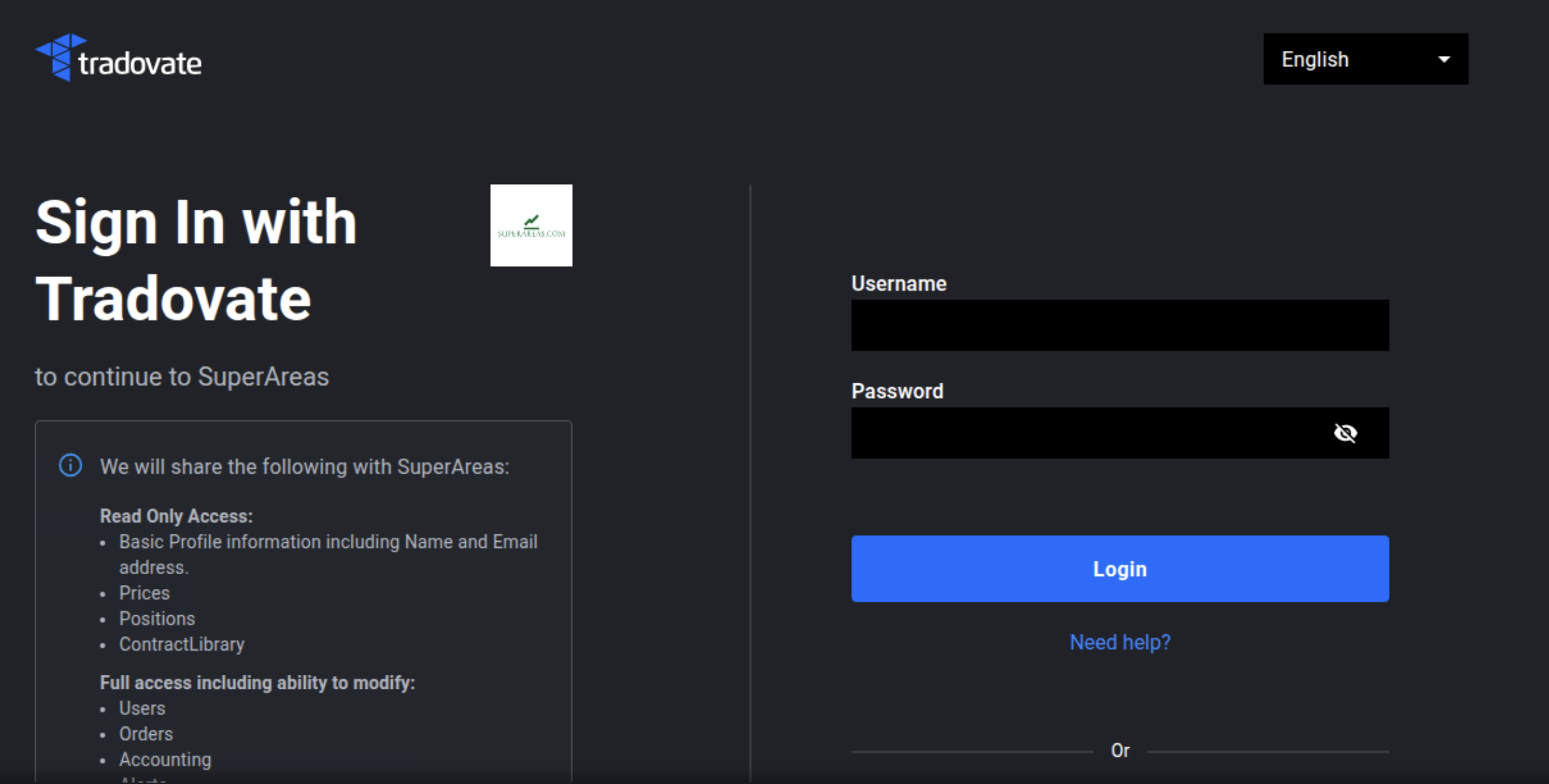
Sign in to the SuperLinux AI Mimic Trade Copier Application with the address, username, and password on your SuperLinux AI Mimic page.
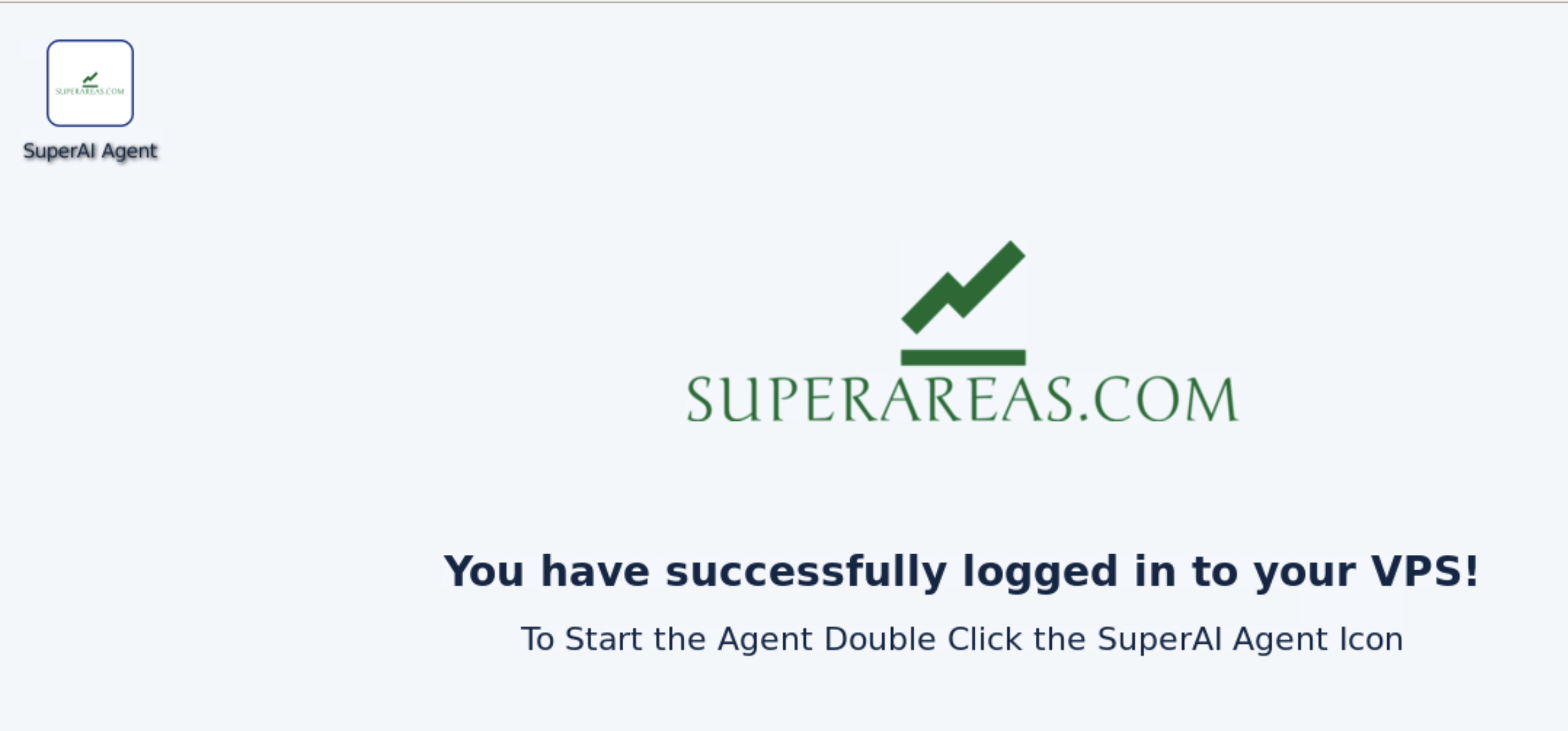
On the desktop, double-click SuperAI Agent.
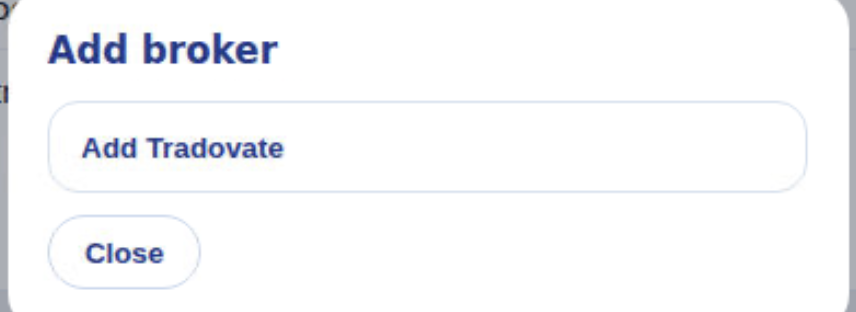
Add the broker for the accounts you already own. Choose Add Tradovate, then sign in on Tradovate’s own page. Tradovate is the only option right now. Rithmic and other protocols will be added soon.

On each of your accounts, check the AI agent and market you want to mimic. Unchecked agents stay off.
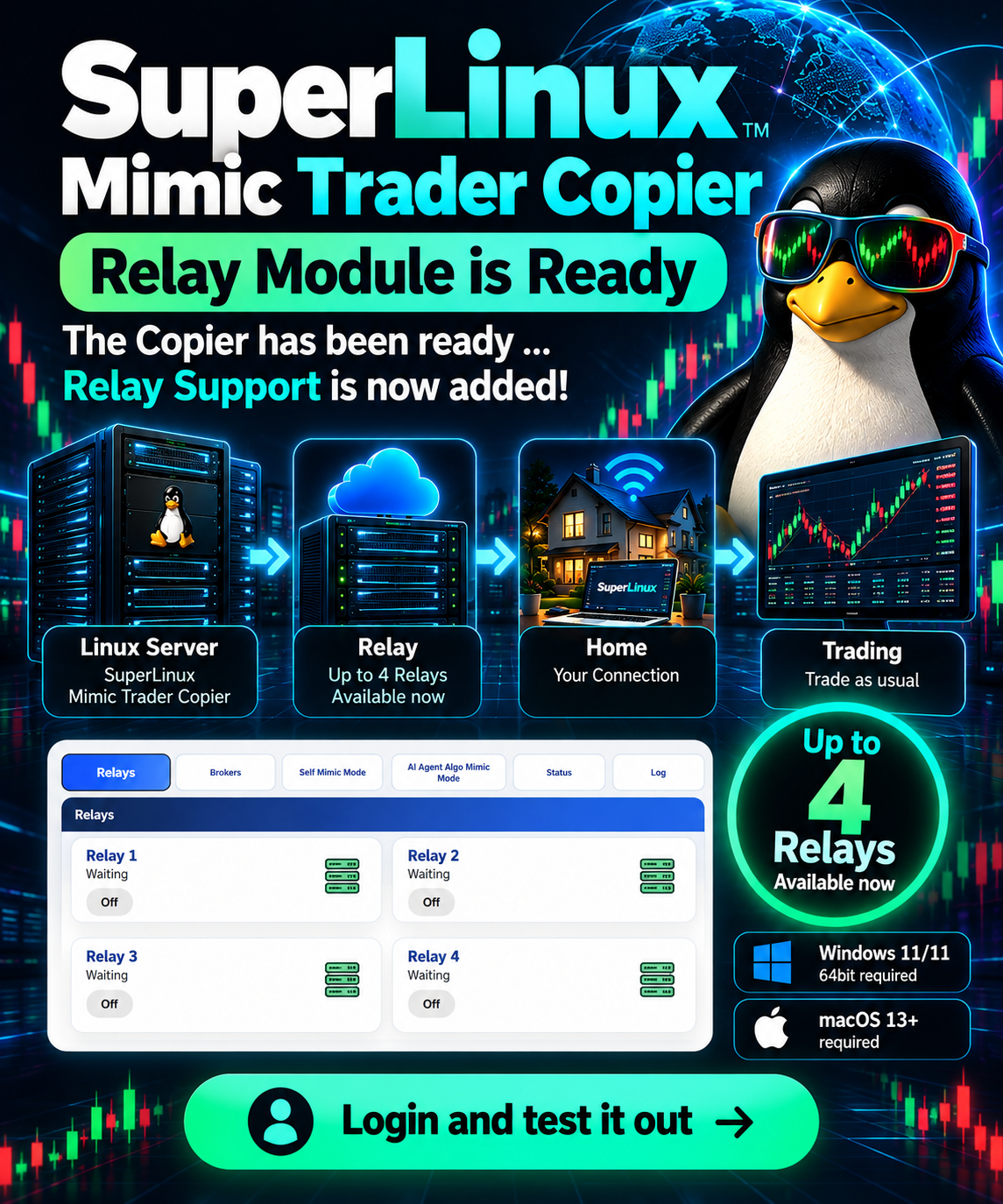
Relay Mode
SuperLinux AI Mimic Trade Copier lets you turn Relay Mode on or off. Relay Mode is also a prop-firm compliance mode.
When Relay Mode is on, all traffic is sent from your own computer. It is not sent from the cloud-hosted server.
This mode requires the Relay application to be running on your Windows or Mac computer. If the Relay application is not active or connected on your computer, Relay Mode uses server mode.
The AI agents
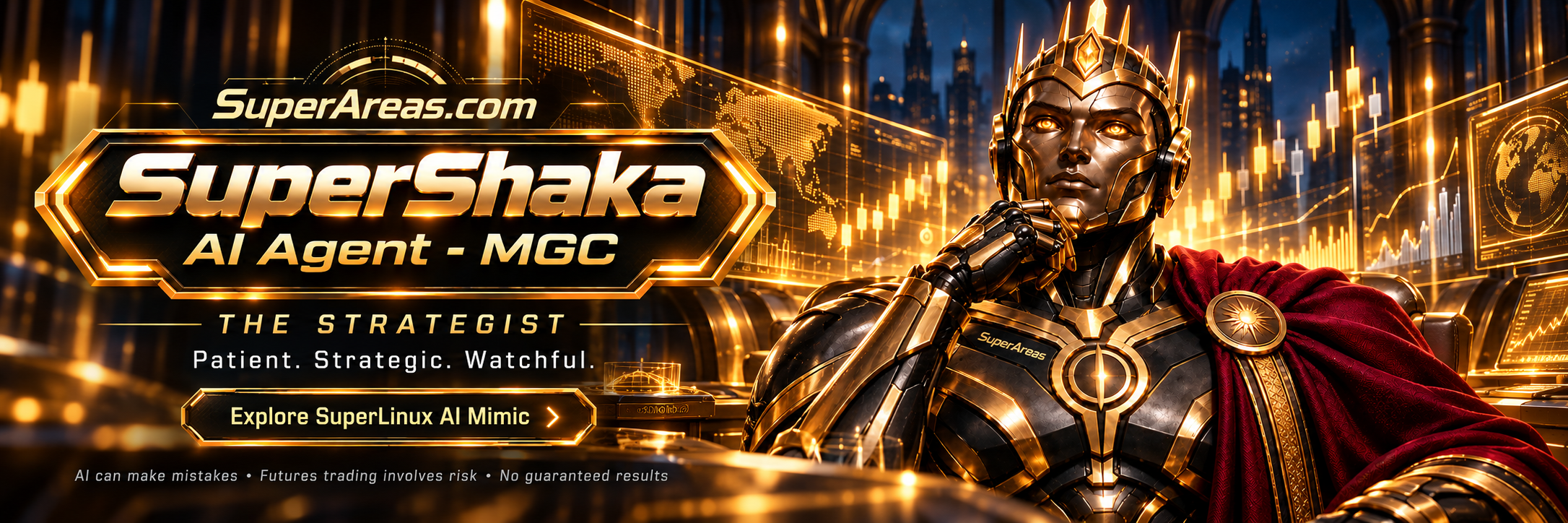
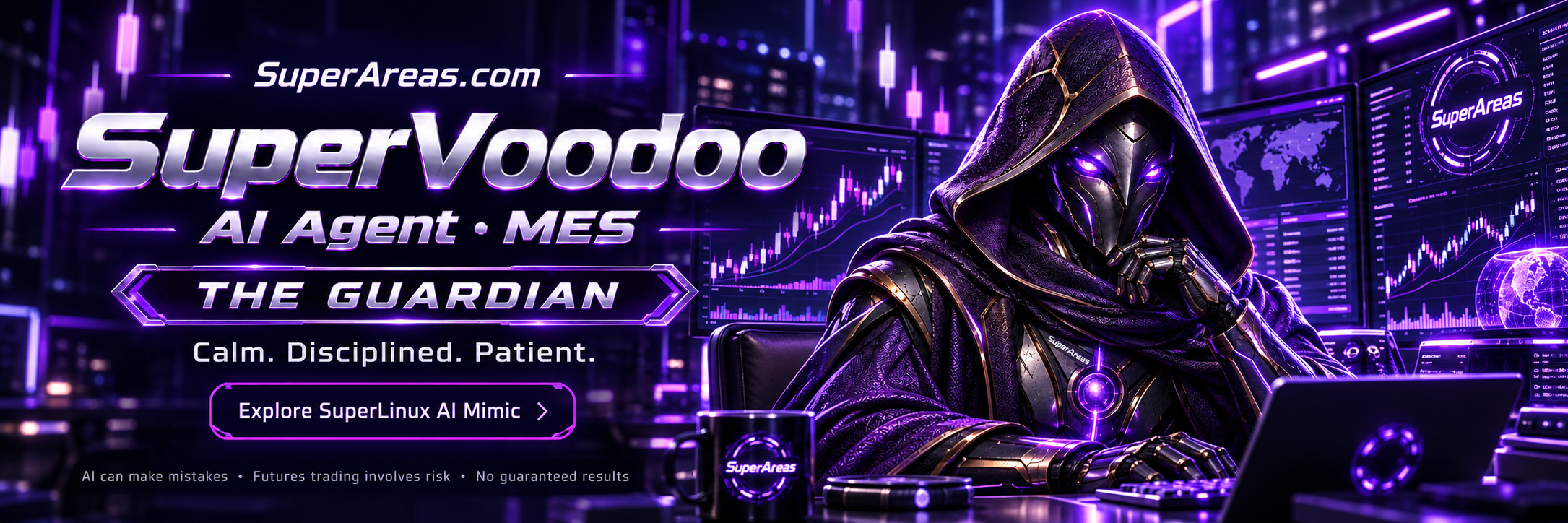
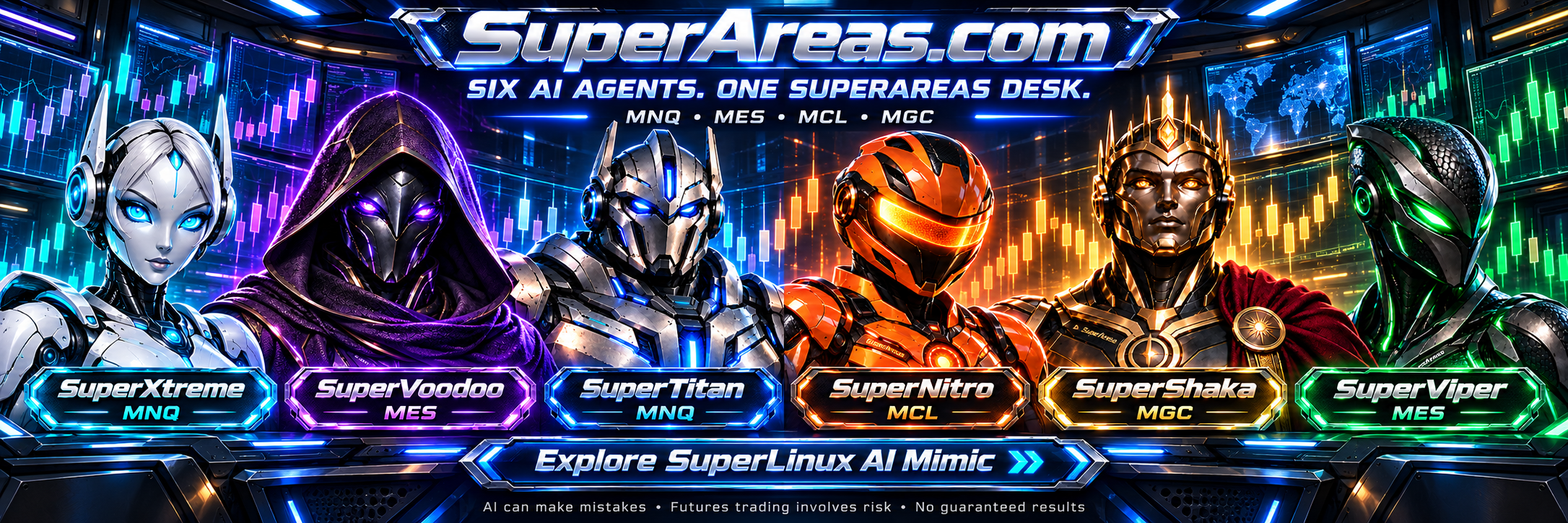
Six named agents sit on the desk. SuperVoodoo is the calm, disciplined guardian. The other roles can be given to any AI Agent you choose to follow.
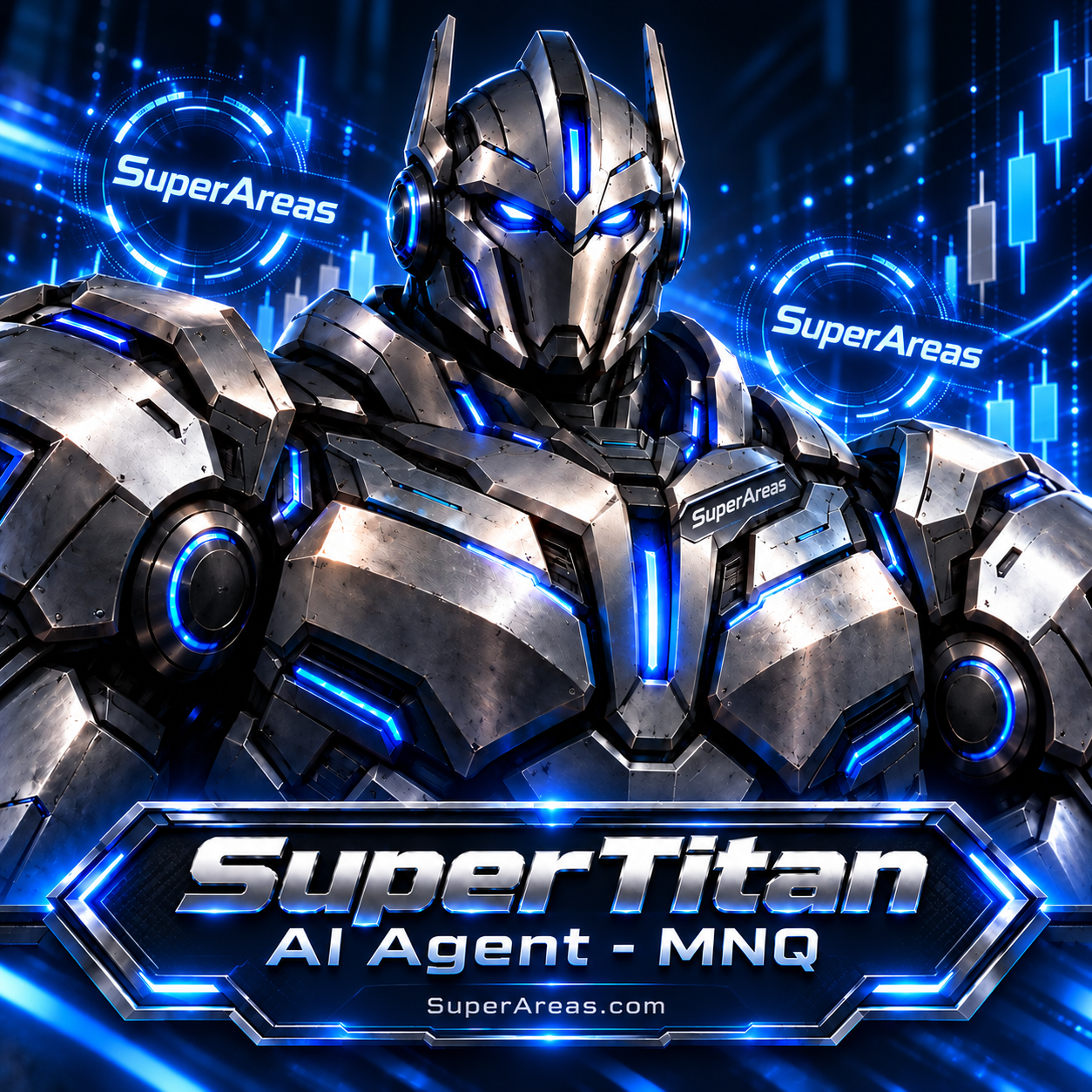
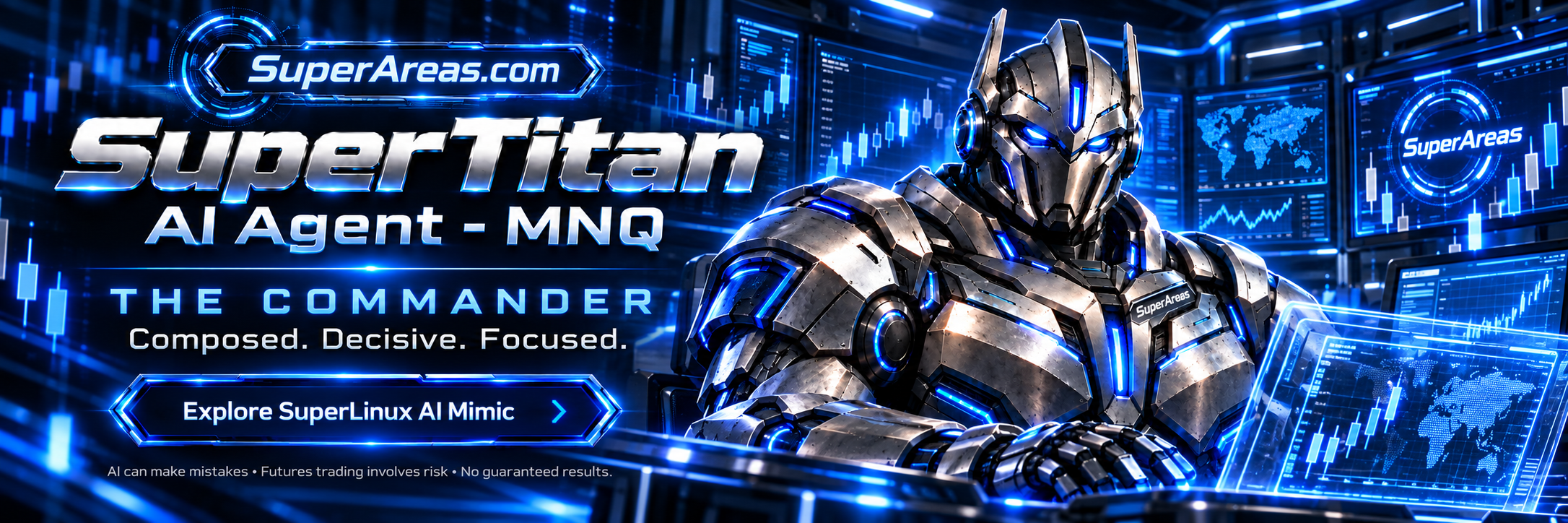
SuperTitan
Composed, decisive commander
Holds the line on Nasdaq. An advisor uses Titan when the question is whether to act or stand still.
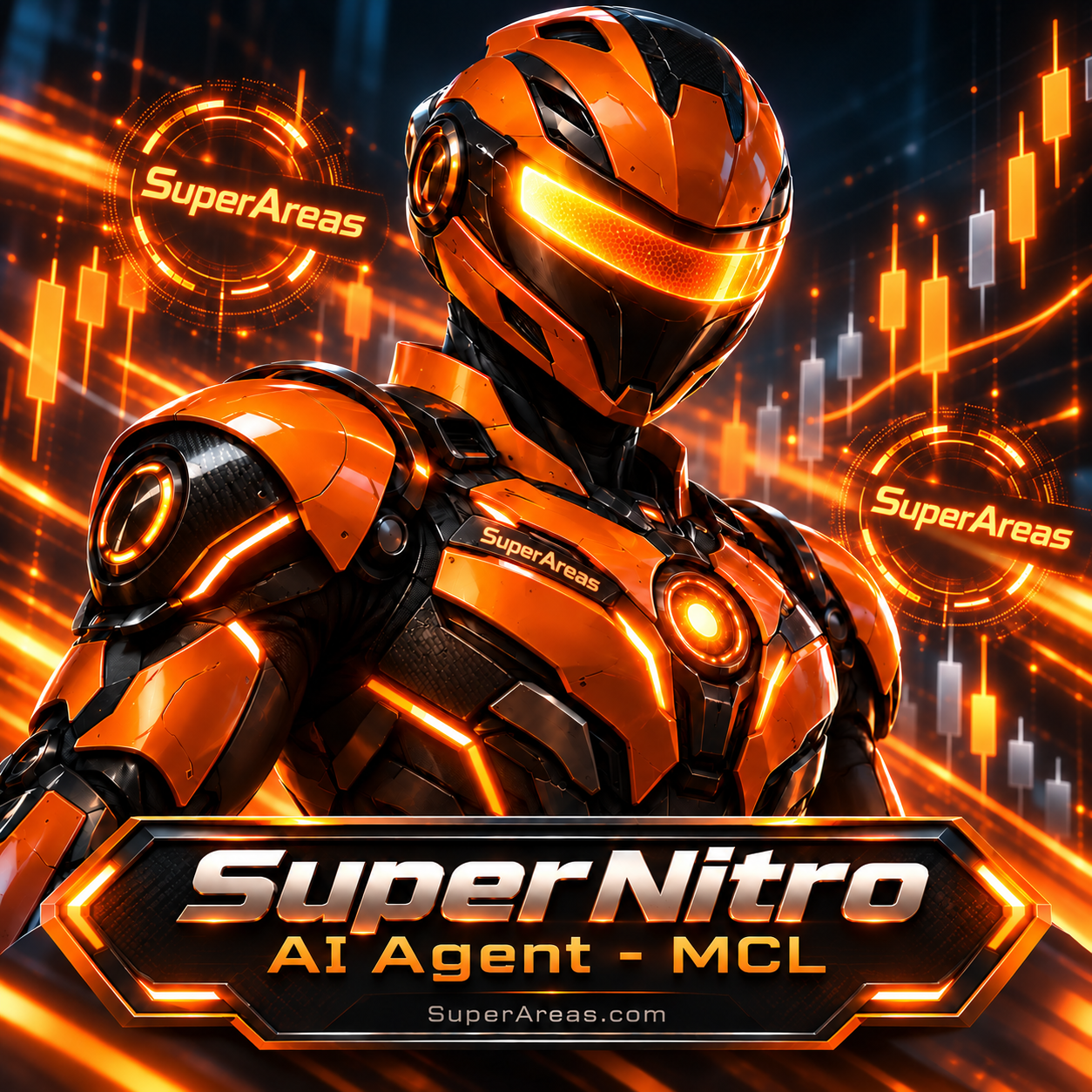
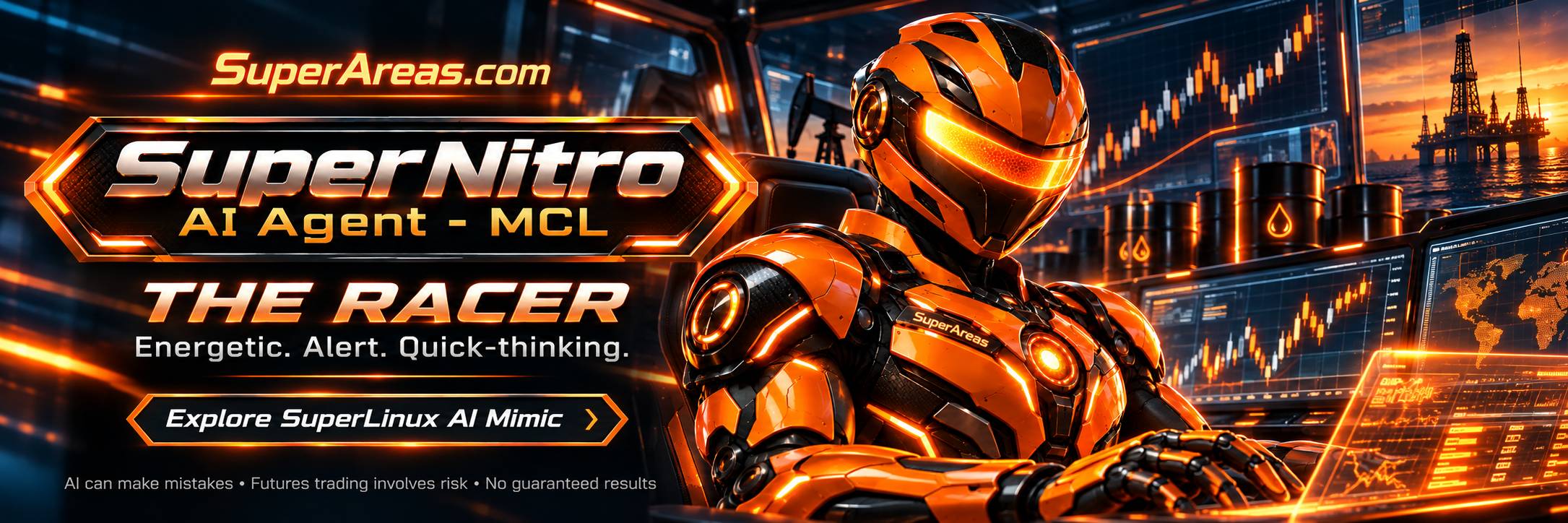
SuperNitro
Energetic, quick-thinking racer
Moves with crude. An advisor uses Nitro when the market is fast and the next decision cannot wait.
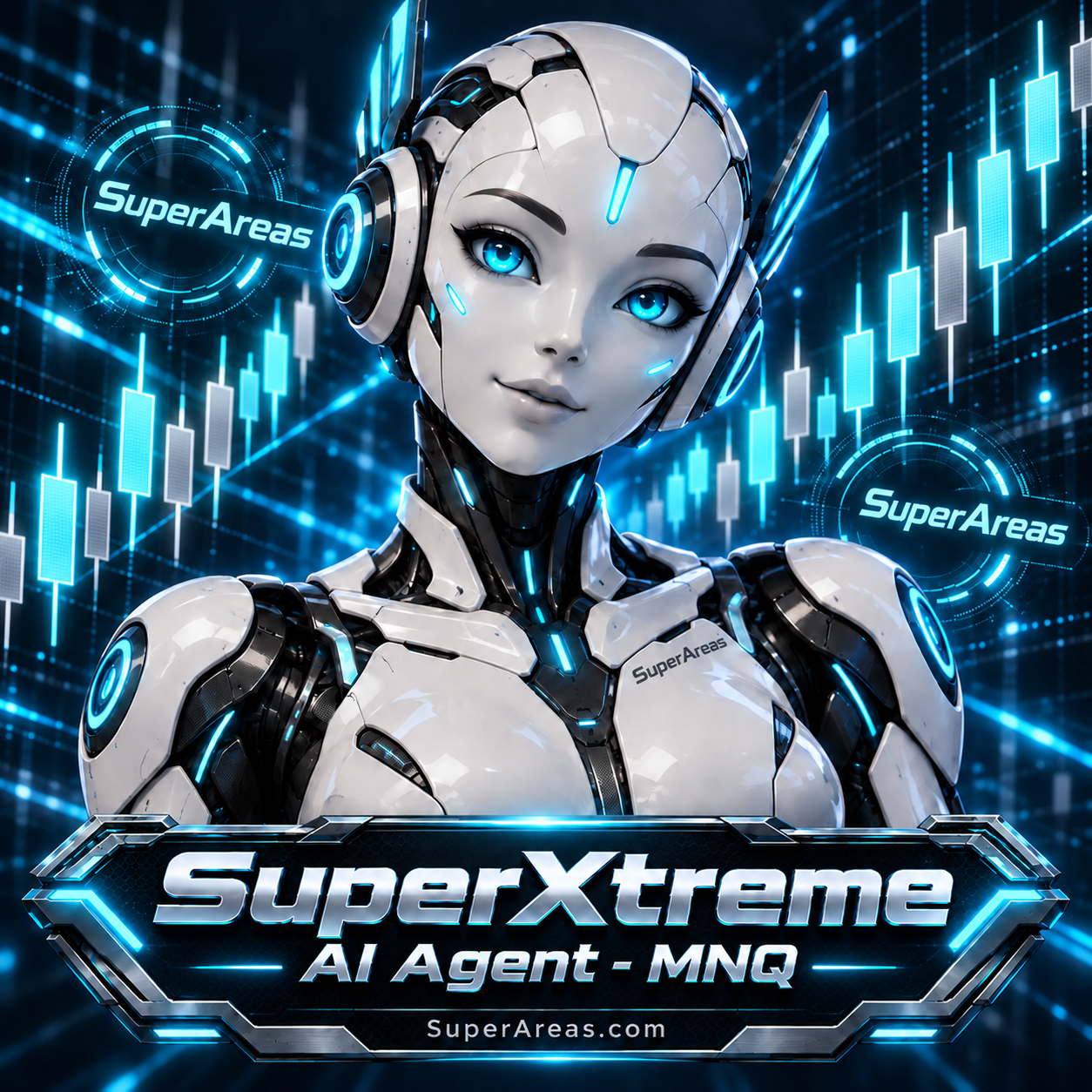
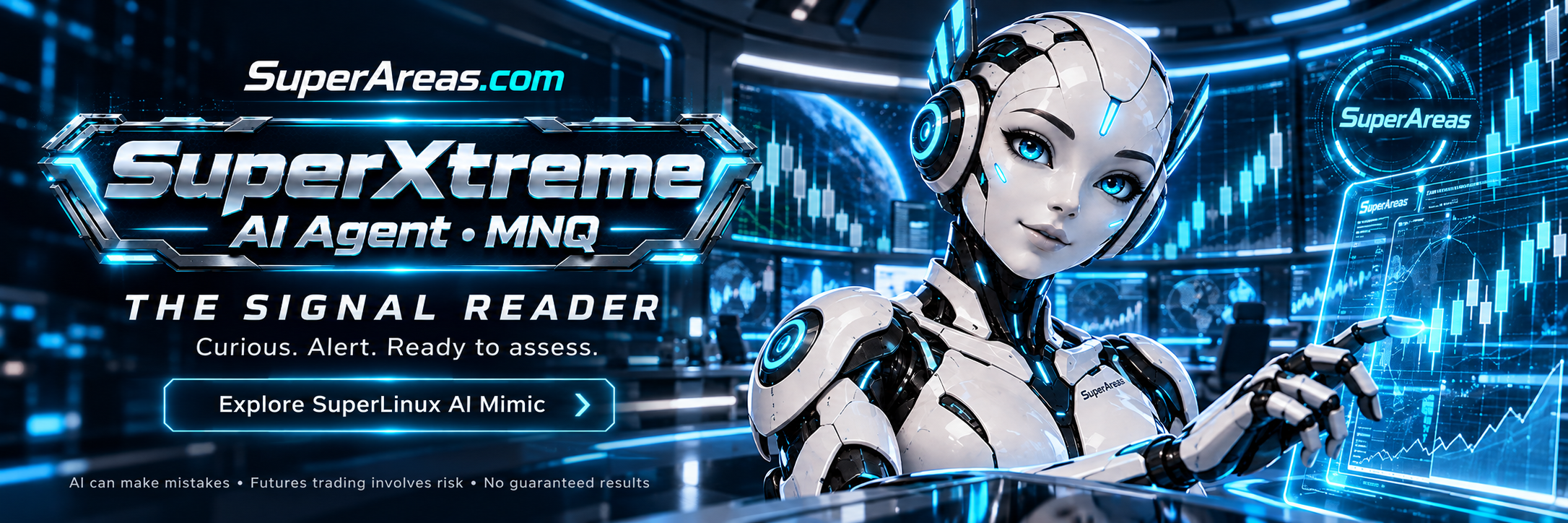
SuperXtreme
Curious, alert signal reader
Listens for the next Nasdaq signal. An advisor uses Xtreme to notice a change before the account is committed.
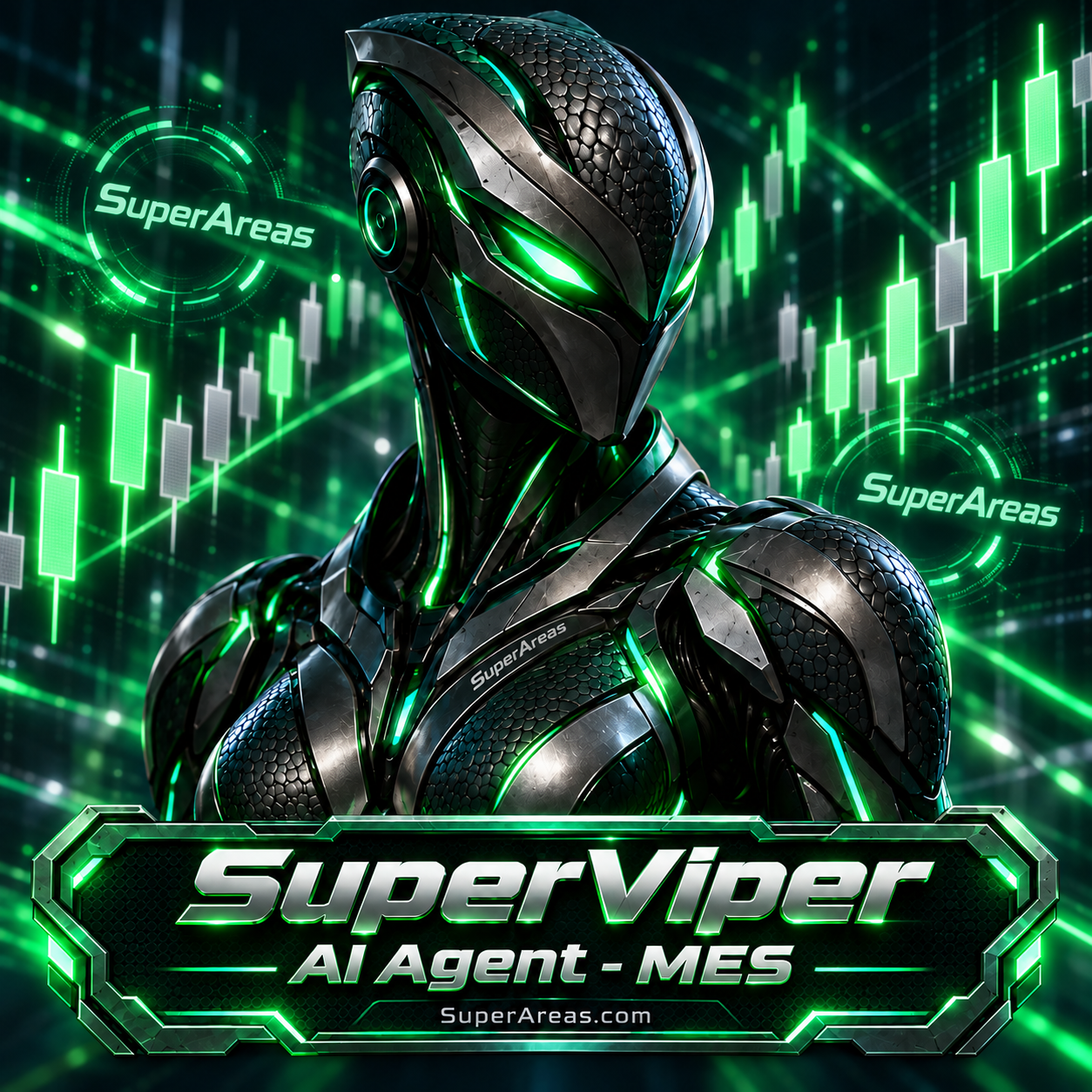
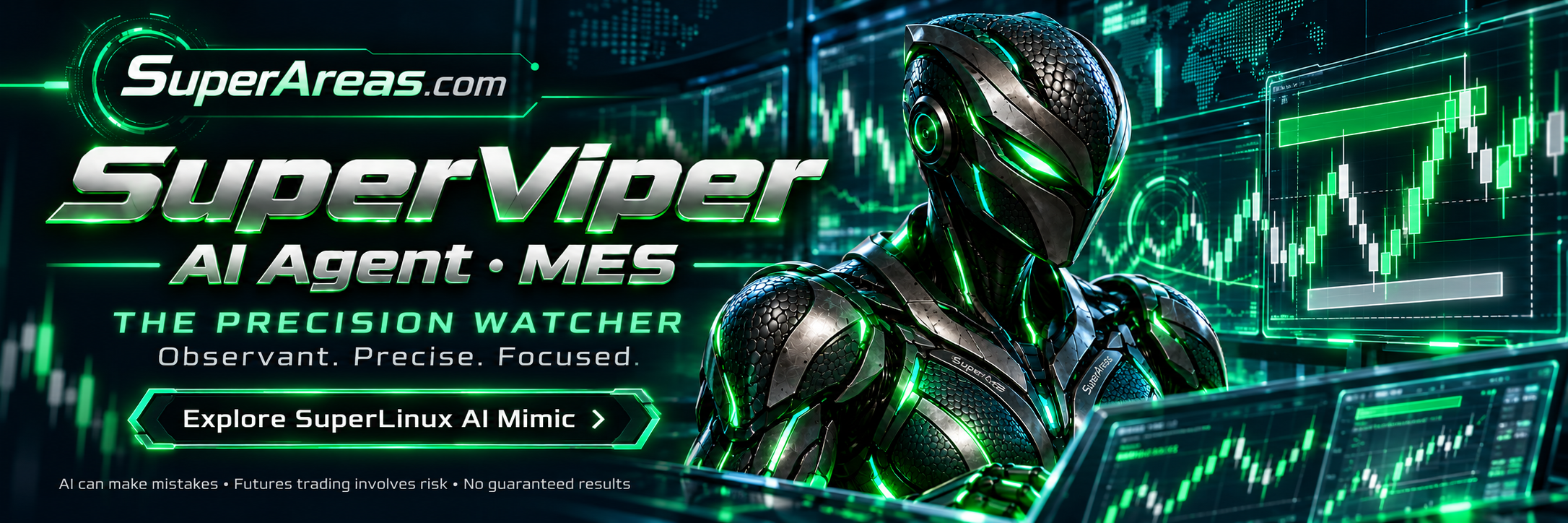
SuperViper
Observant, precise hunter
Watches the S&P for a clean level. An advisor uses Viper when the entry has to be exact.
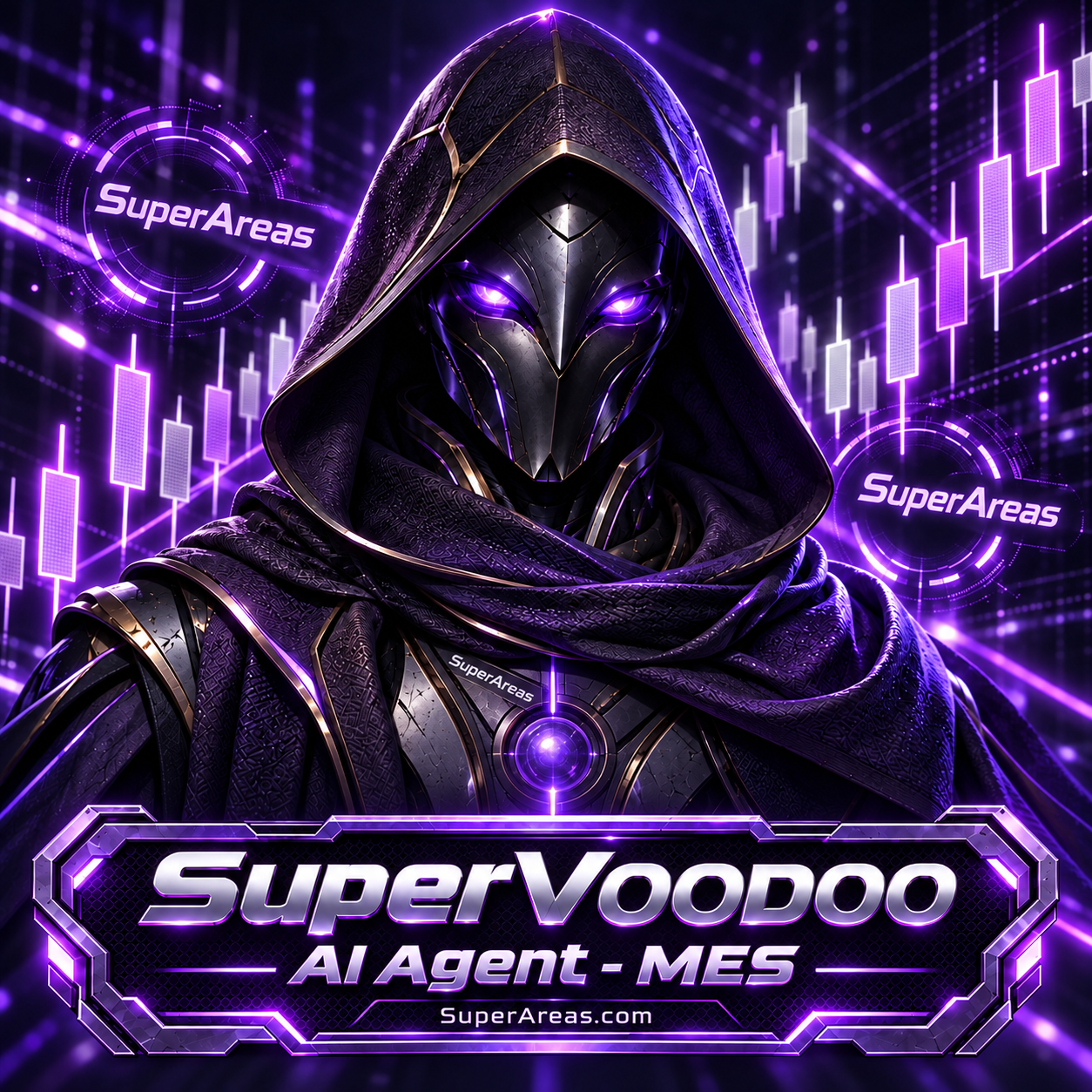
SuperVoodoo
Calm, disciplined guardian
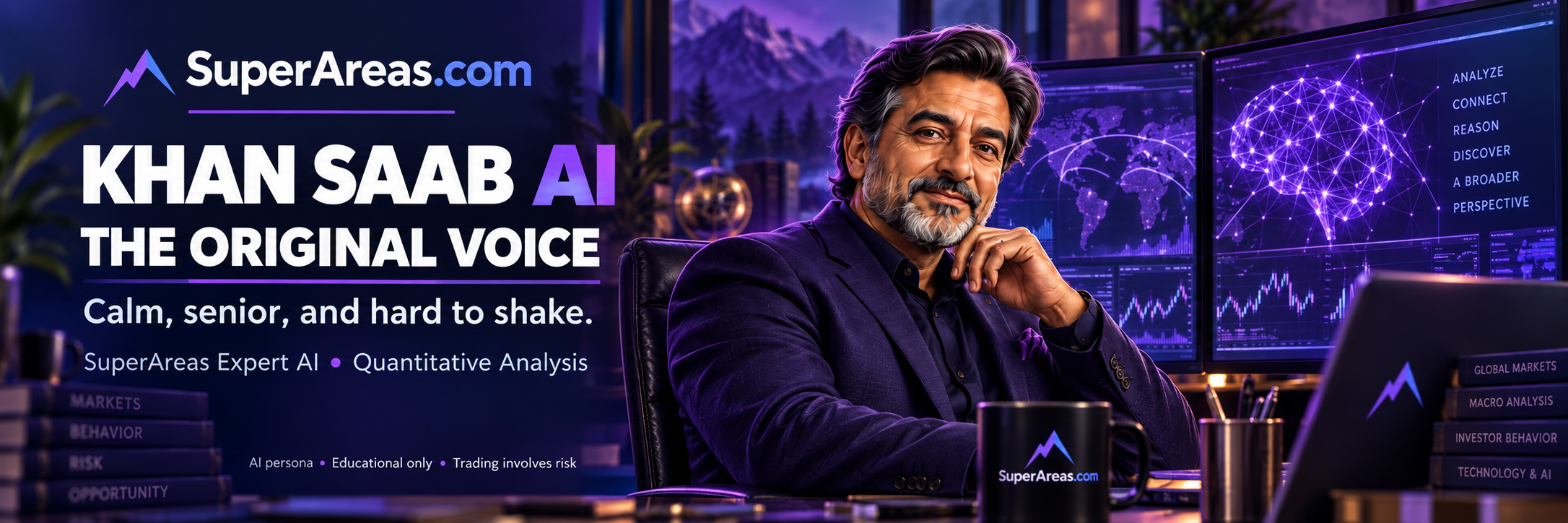
This role belongs to Voodoo. An advisor uses the guardian to keep size and patience in front of the S&P signal.
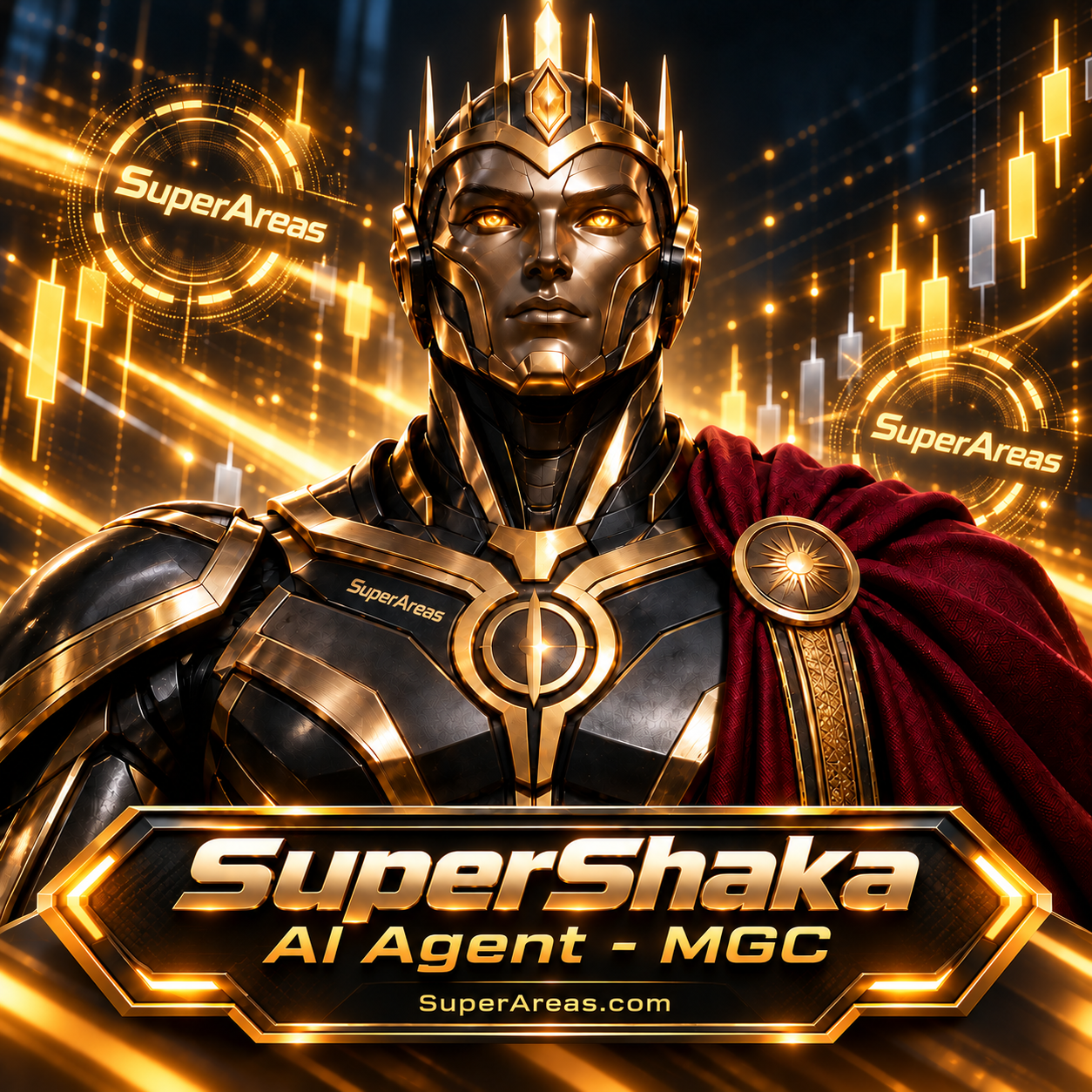
SuperShaka
Mysterious, patient strategist
Waits on gold. An advisor uses Shaka when the plan is to sit until the level is actually there.
How these agents help an advisor
An advisor uses the desk as a second set of eyes, one personality per market. Titan and Xtreme speak for Nasdaq. Viper and Voodoo speak for the S&P, with Voodoo as the guardian. Nitro speaks for crude. Shaka speaks for gold.
The other roles can be given to any AI Agent. Voodoo stays the calm, disciplined guardian. None of them replace the advisor, and none of them are right every time.